WanderLost · Knox Studios

Destination
hidden.
Only the
next turn.

Get the
app

Ever wanted to go somewhere you were never meant to be? Set mode and distance. Quantum chance picks the place. The final pin stays secret until you arrive.

Route desk

Shape a surprise route

Dial in how you would wander, then read a plain-language summary of what free WanderLost can do with those choices. The live app locks the destination with quantum chance and keeps the endpoint hidden until you arrive.

A Standard drive of 5 miles, with no compass bias. WanderLost hides the destination and shows only the next turn. That distance is inside the free drive cap of 15 miles. Standard fate is included free.

Transport
Fate intensity
Optional compass bias

This desk explains free and Premium limits in words. The Android app is where quantum sampling, routing, and the mint next-turn line actually run. Location and internet are required to start a journey.

WanderLost is a mystery navigation app that generates a random destination and keeps the endpoint hidden until you arrive.

It flips ordinary GPS on its head. You choose how far to go and whether to drive, walk, or bike. True quantum chance picks the place. The live map never shows the final pin — only a glowing mint line to your next turn, with large LEFT/RIGHT directives that keep your eyes off a dense dashboard.

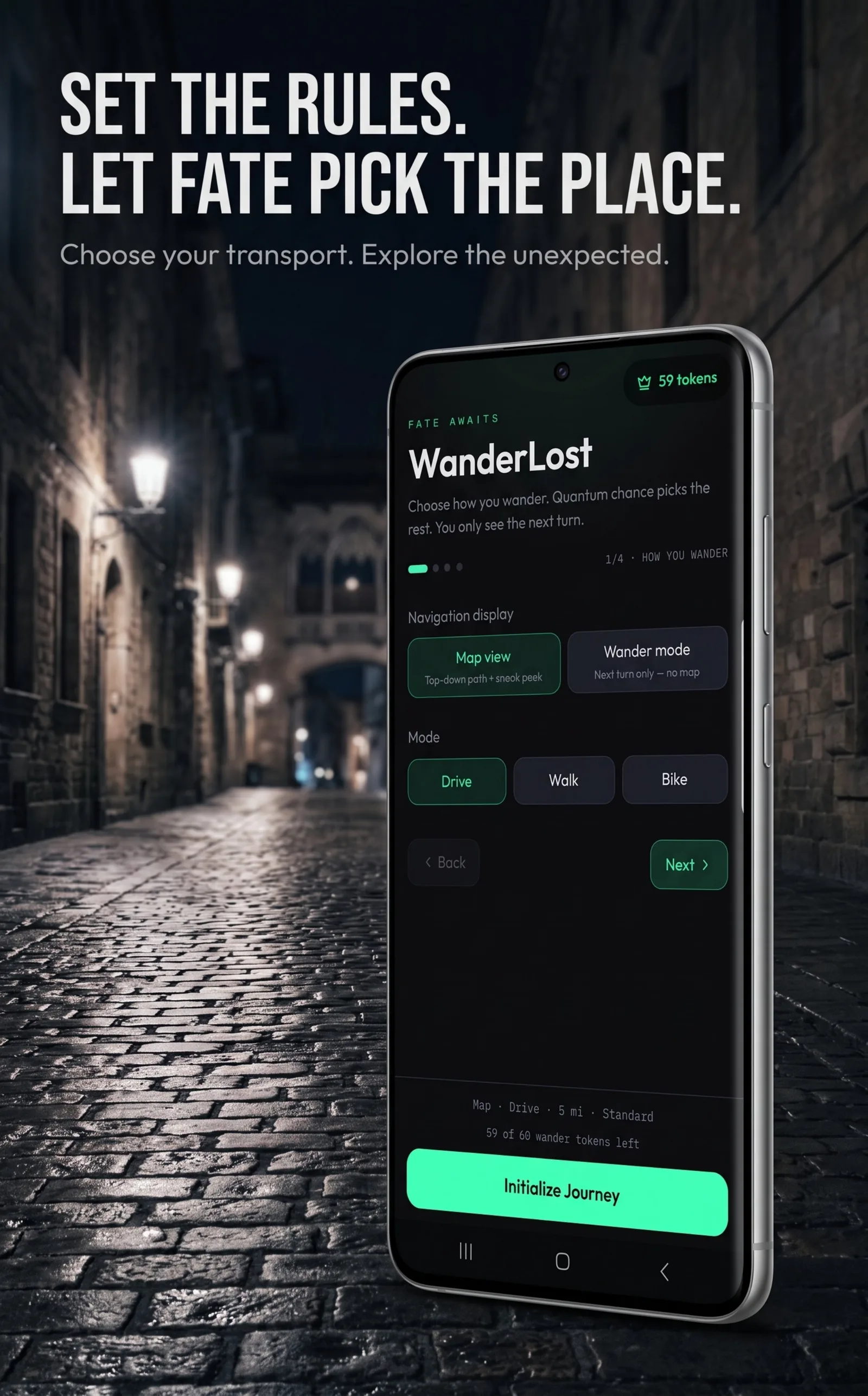
  1. Set the rules Choose drive, walk, or bike. Optionally bias the surprise with compass chips for North, South, East, West, or points between.
  2. Dial the distance Tell the app how far or how long you want to wander. Free caps cover nearby trips; Premium unlocks radiuses out to 50 miles.
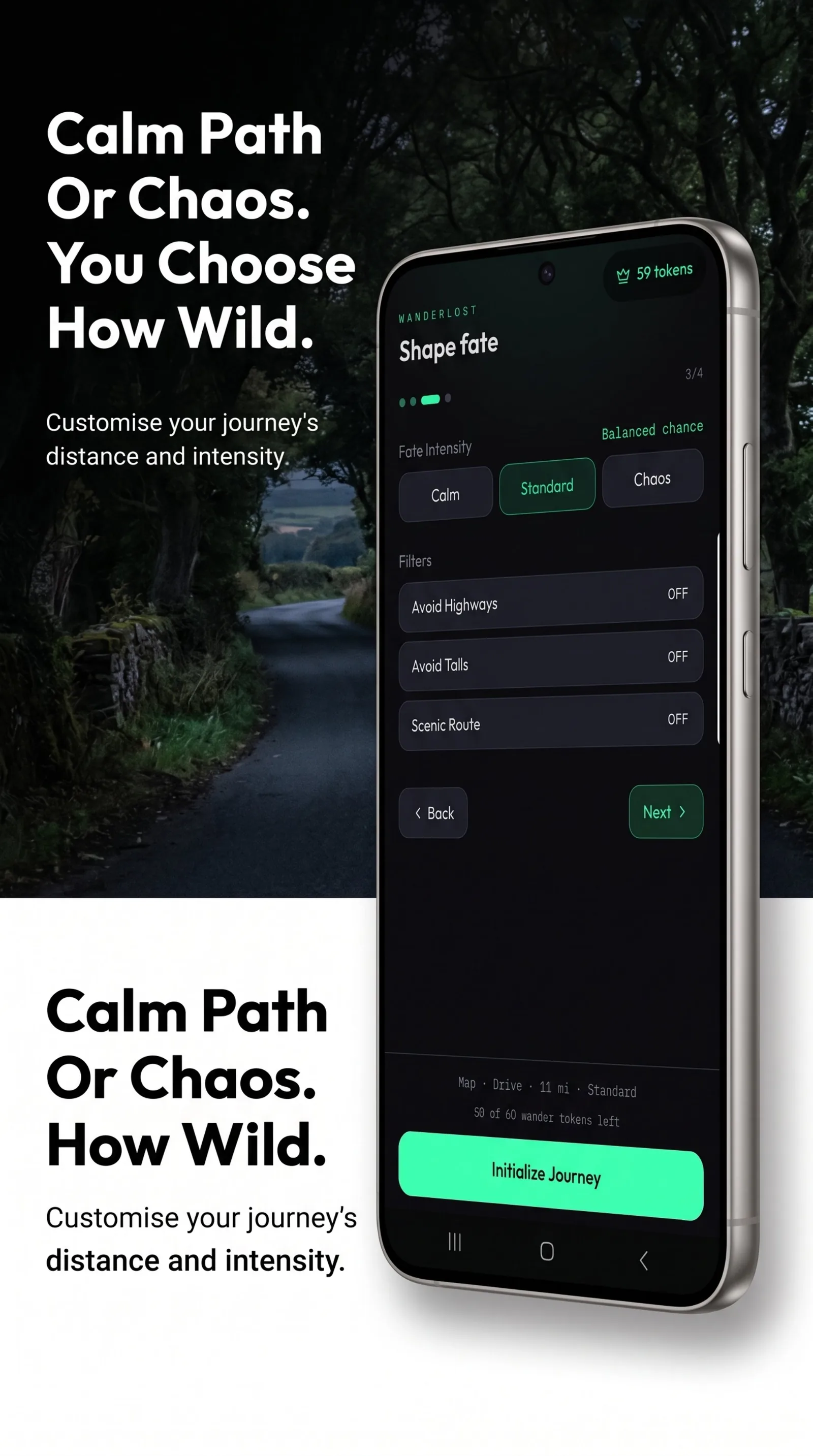
  3. Shape fate Use Standard free, or taste Calm and Chaos. Premium fully unlocks intensity plus filters for highways, tolls, and scenic routes.
  4. Follow the glow Initialize the journey. Quantum sampling locks a hidden destination. You only see the next directive until you arrive.
Publisher
Knox Studios, Valley, Alabama
Platform
Android on Google Play
Account
Not required. History stays on the device.
Permissions
Precise location and internet for routing — no contact scraping.
How your fate journey works

Set the rules. Let fate pick the place.

Craving a spontaneous trip but tired of planning? WanderLost turns your phone into a compass for the unknown — for urban exploration, a date-night surprise, or getting lost on purpose. Choose transport, distance, and optional direction. Quantum chance does the rest.

WanderLost setup screen on a phone: Map view selected, Drive mode highlighted, and Initialize Journey ready for a 5-mile Standard trip.
Fate intensity

Calm path or Chaos. You choose how wild.

Shape how unpredictable destination sampling feels. Standard is free. Calm and Chaos get a free taste; Premium unlocks both fully, plus advanced filters to avoid highways, skip tolls, or request a scenic route.

WanderLost Shape fate screen with Calm, Standard, and Chaos options, plus Avoid Highways, Avoid Tolls, and Scenic Route filters.
Mystery navigation

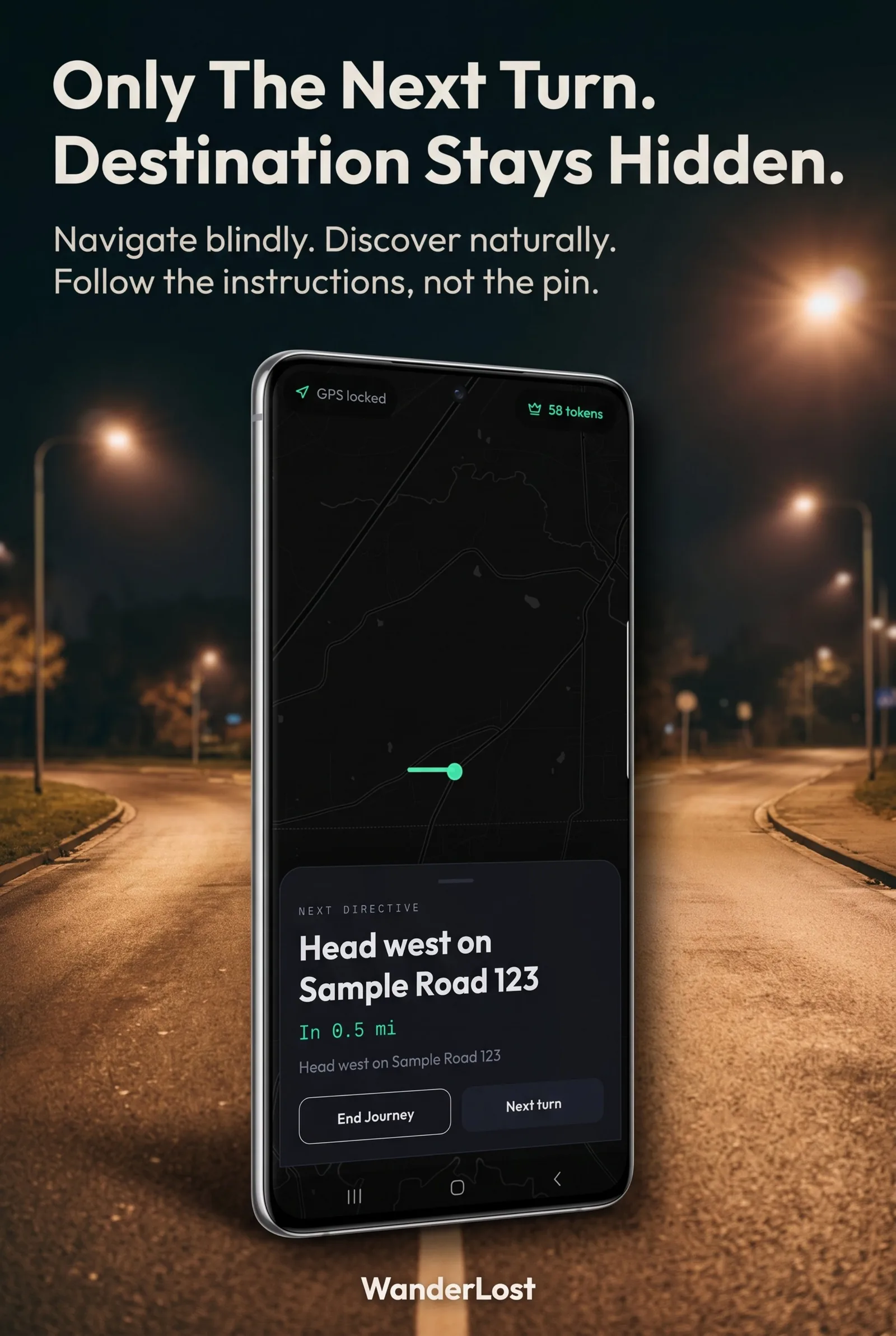
Only the next turn. Destination stays hidden.

The dark-themed map never reveals your final endpoint. A glowing mint line leads to the very next turn. Large directives such as Head west on Sample Road keep navigation simple, so you discover the place when you arrive — not when you peek at a pin.

WanderLost live navigation on a phone showing GPS locked, a mint next-turn line on a dark map, and the directive Head west on Sample Road in 0.5 mi.
Wander mode

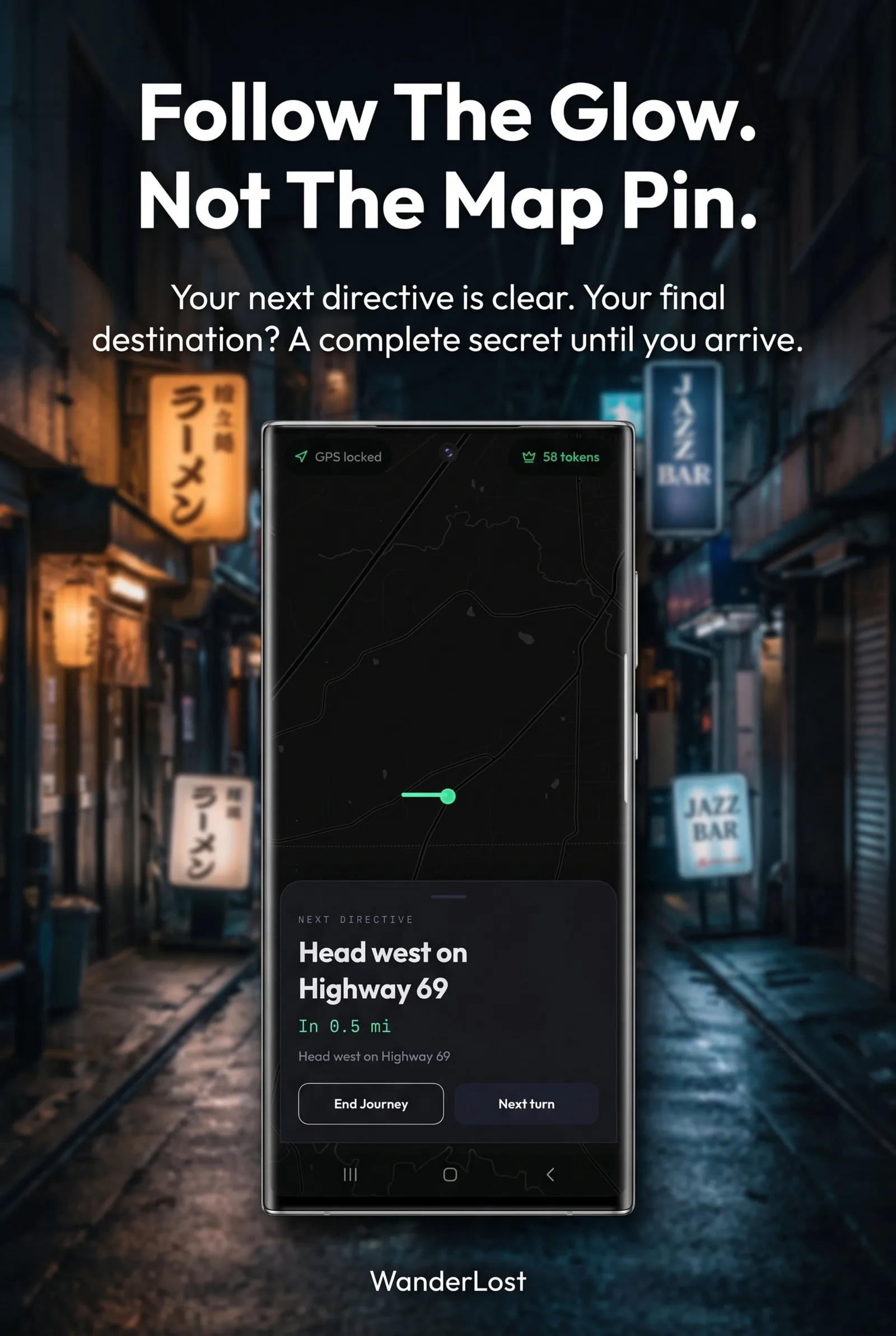
Follow the glow. Not the map pin.

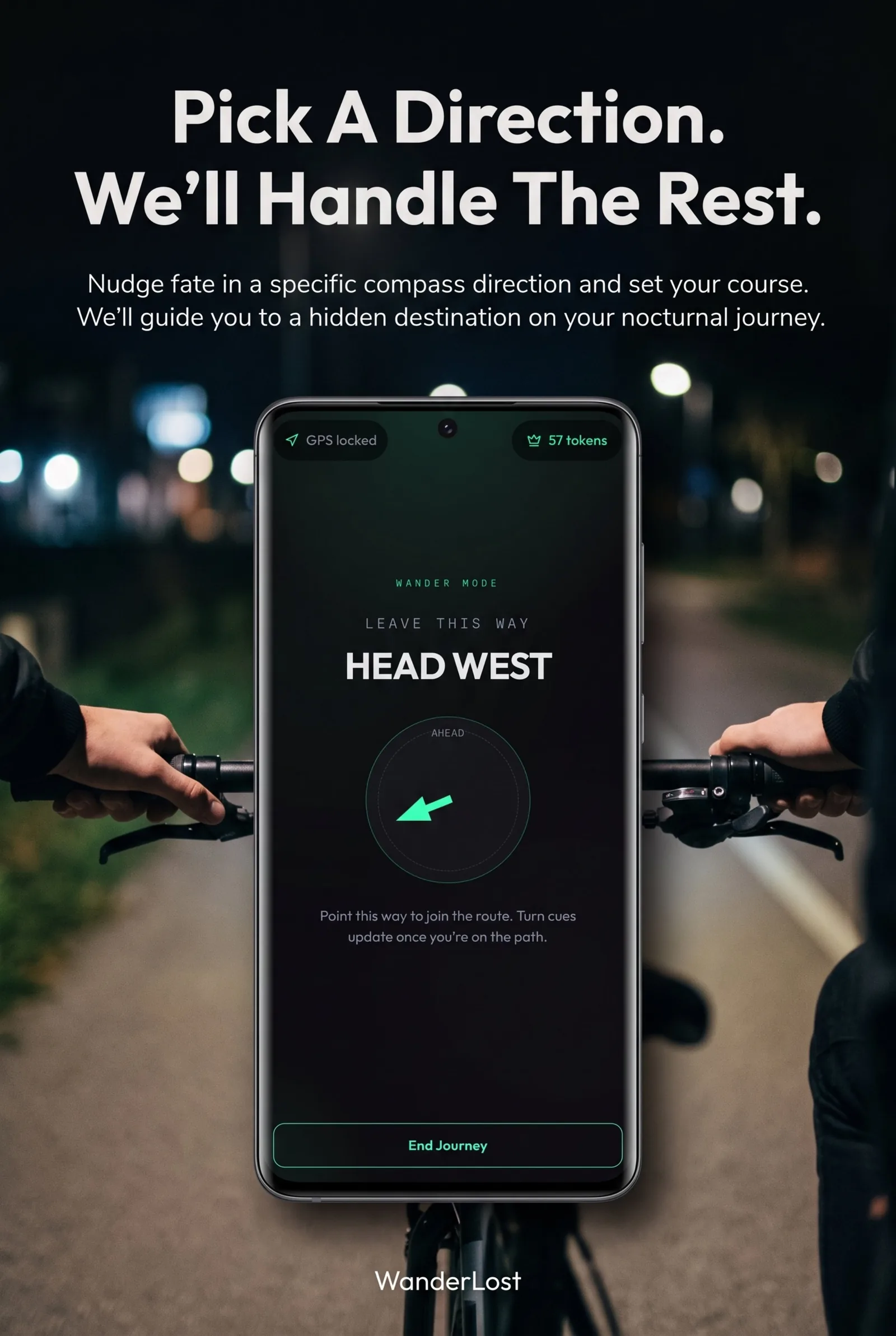
Prefer even less map? Wander mode keeps the next directive clear while the final destination remains a complete secret. Map view still stays blind to the endpoint — it only adds a top-down path and a sneak peek of the road ahead.

WanderLost navigation card with NEXT DIRECTIVE, Head west on Highway 69 in 0.5 mi, and End Journey and Next turn controls.
A weekend wander

How does a WanderLost journey work?

Open WanderLost, choose drive, walk, or bike, set a distance, optionally bias a compass direction, then initialize the journey. Quantum chance locks a hidden destination. Follow the mint next-turn line and LEFT/RIGHT directives until you arrive. No account is required, and your completed journey log stays on the phone.

  1. Choose transport: drive, walk, or bike.
  2. Set distance and optional compass bias.
  3. Pick Standard fate, or taste Calm or Chaos.
  4. Initialize Journey and follow only the next turn until you arrive.
WanderLost Wander Mode on a bike mount at night, showing HEAD WEST with a mint compass arrow and GPS locked.
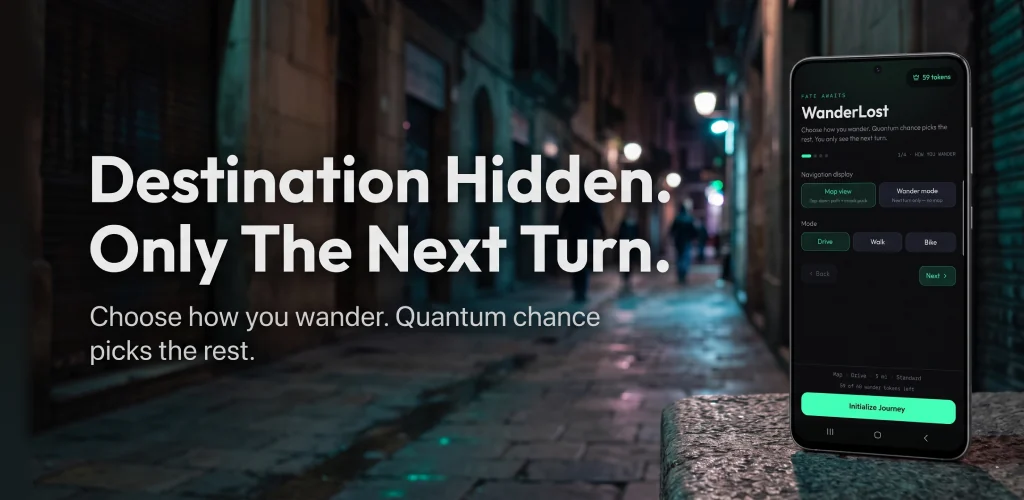
WanderLost feature graphic: Destination Hidden: Only The Next Turn, with the app on a phone against a night street.
Free and Premium

The wander loop stays free

Free users get 3 successful starts per day, Standard fate, and nearby distance caps: 15-mile drives, 10-mile rides, or 5-mile walks. Optional rewarded ads can earn bonus wanders. Premium unlocks 60 wanders per month, radiuses out to 50 miles, route filters, full Calm and Chaos, an ad-free experience, and token top-ups.

Core surprise routes stay on the free path. Premium expands how far and how often you can wander.
In WanderLost Free Premium
Hidden-destination journeys Included Included
Successful starts 3 per day 60 wanders per month
Distance caps 15 mi drive · 10 mi ride · 5 mi walk Up to 50 miles every mode
Fate intensity Standard · free taste of Calm/Chaos Full Calm and Chaos
Route filters Not included Avoid highways, tolls, scenic
Ads May show · optional rewarded bonus Removed
Token top-ups Not included Available
Private, local & secure

No accounts. History stays on the phone.

Start urban exploration without creating a profile or handing over an email. Completed journey logs and travel statistics stay on the device. WanderLost asks for precise location and internet to calculate the route — nothing more for contacts or social graphs. Studio privacy details live on the Knox Studios policy page.

WanderLost mint path mark on a dark field, the glowing line used as the app’s next-turn motif.
Questions

Answers, in plain words

What is WanderLost?

WanderLost is a mystery navigation app from Knox Studios that generates a random destination and keeps the endpoint hidden until you arrive. You choose drive, walk, or bike and a distance; quantum chance picks the place, and the app guides you with large LEFT/RIGHT directives and a mint next-turn line.

How does WanderLost hide the destination?

After you initialize a journey, the live map never reveals the final pin. It shows only a glowing mint line to your next turn, plus clear step instructions such as Take your next LEFT, so you navigate without a cluttered GPS dashboard.

Is WanderLost free?

Yes. The core wander loop is free. Free users get 3 successful starts per day, Standard fate intensity, and distance caps of up to 15-mile drives, 10-mile rides, or 5-mile walks. You can earn bonus wanders by watching optional rewarded ads. Premium adds more monthly tokens, farther radiuses, route filters, full Calm and Chaos control, and an ad-free experience.

Do I need an account?

No. WanderLost does not require a profile, login, or email. Completed journey history and travel statistics stay on your device.

What permissions does WanderLost need?

WanderLost needs precise location and internet access to sample a nearby destination and calculate the route. It does not scrape contacts or harvest a social graph.

What is fate intensity in WanderLost?

Fate intensity shapes how wild destination sampling feels. Standard is included free. Calm and Chaos have a free taste, and Premium fully unlocks both for total fate control.

Who makes WanderLost?

Knox Studios makes WanderLost in Valley, Alabama. The studio page is on knoxstudios.net, and the Android app is on Google Play.

Knox Studios

Made in the United States

WanderLost is one app from Knox Studios in Valley, Alabama. The studio page covers the product overview and links here. Questions about the studio go through contact on knoxstudios.net.

WanderLost feature graphic with the line Destination Hidden: Only The Next Turn and the Initialize Journey screen on a phone.

Invite chance into your weekend

WanderLost Hidden destination · next turn

Get it on Google Play